CRM Auto Fill AI for Reliable Pipeline Data
Stop letting manual entry corrupt your pipeline. Hyperbound Perform captures key details from sales calls and automatically fills your CRM with accurate, real-time data.

































Manual CRM Entry Is Killing Pipeline Accuracy
-
Reps skip or delay CRM updates after calls, leaving deal stages, next steps, and stakeholder data incomplete.
-
Manual data entry errors corrupt pipeline reports, making it impossible for RevOps to trust forecast inputs.
-
Sales managers spend hours inspecting deals just to find CRM fields that were never updated after key conversations.
How Hyperbound Automatically Fills Your CRM from Calls
CRM Auto Fill from Real Calls
Eliminate manual CRM data entry for good
Hyperbound Perform extracts key deal signals from every sales conversation — stakeholders mentioned, objections raised, next steps agreed — and writes them back to your CRM automatically. No rep admin required, no data left behind.
- Updates fields from conversations
- Captures next steps automatically
- Works with Salesforce and HubSpot
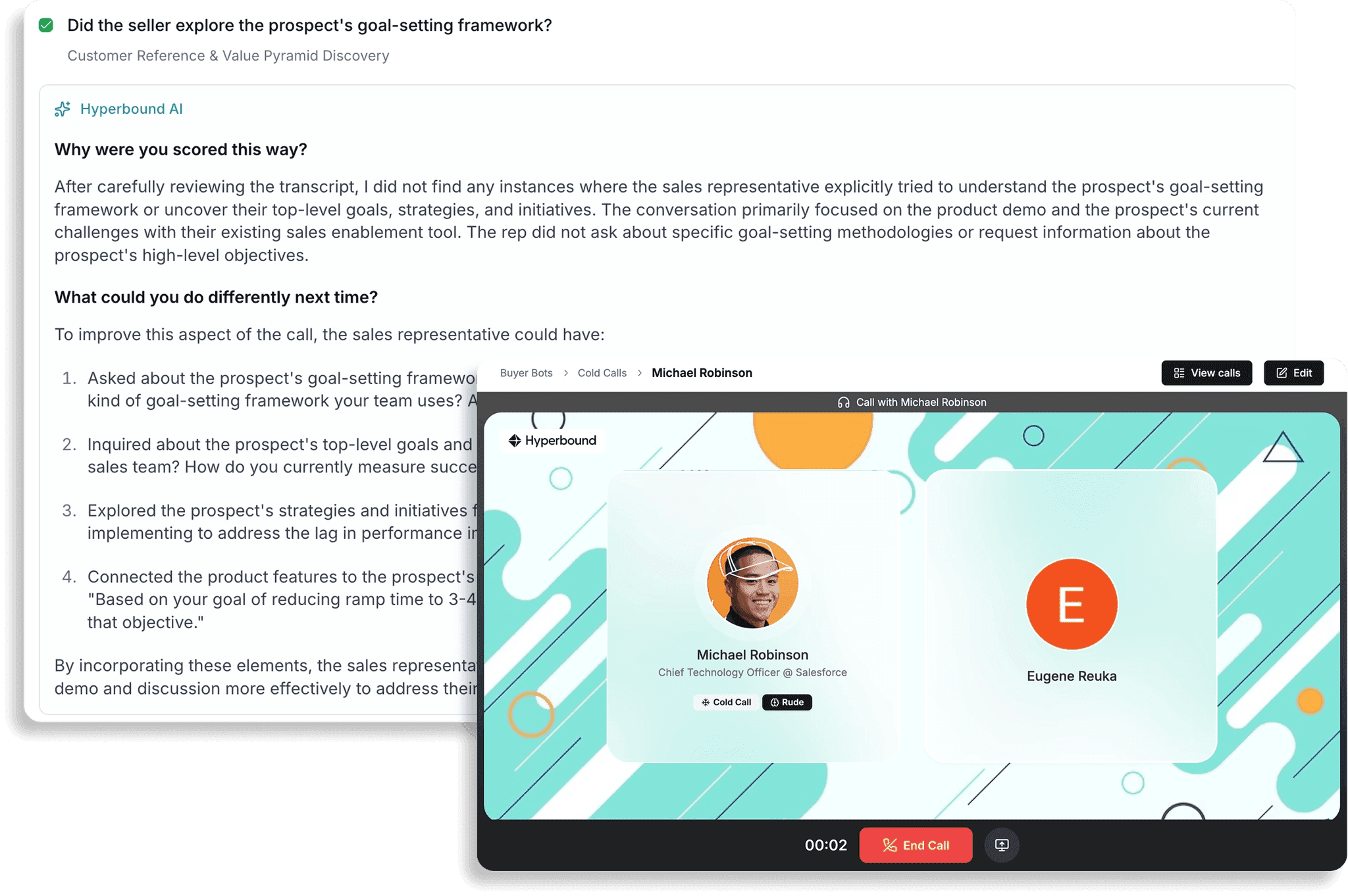
Automated Call Scoring at Scale
Score every real call against your playbook
Automatically score every customer conversation against your custom scorecards. Hyperbound Perform integrates with Gong, Salesloft, and Chorus to analyse all calls and surface the moments that matter — no manual QA needed.
- Scores 100% of recorded calls
- Integrates with Gong and Salesloft
- Custom methodology scorecards
Deal Level Coaching and Insights
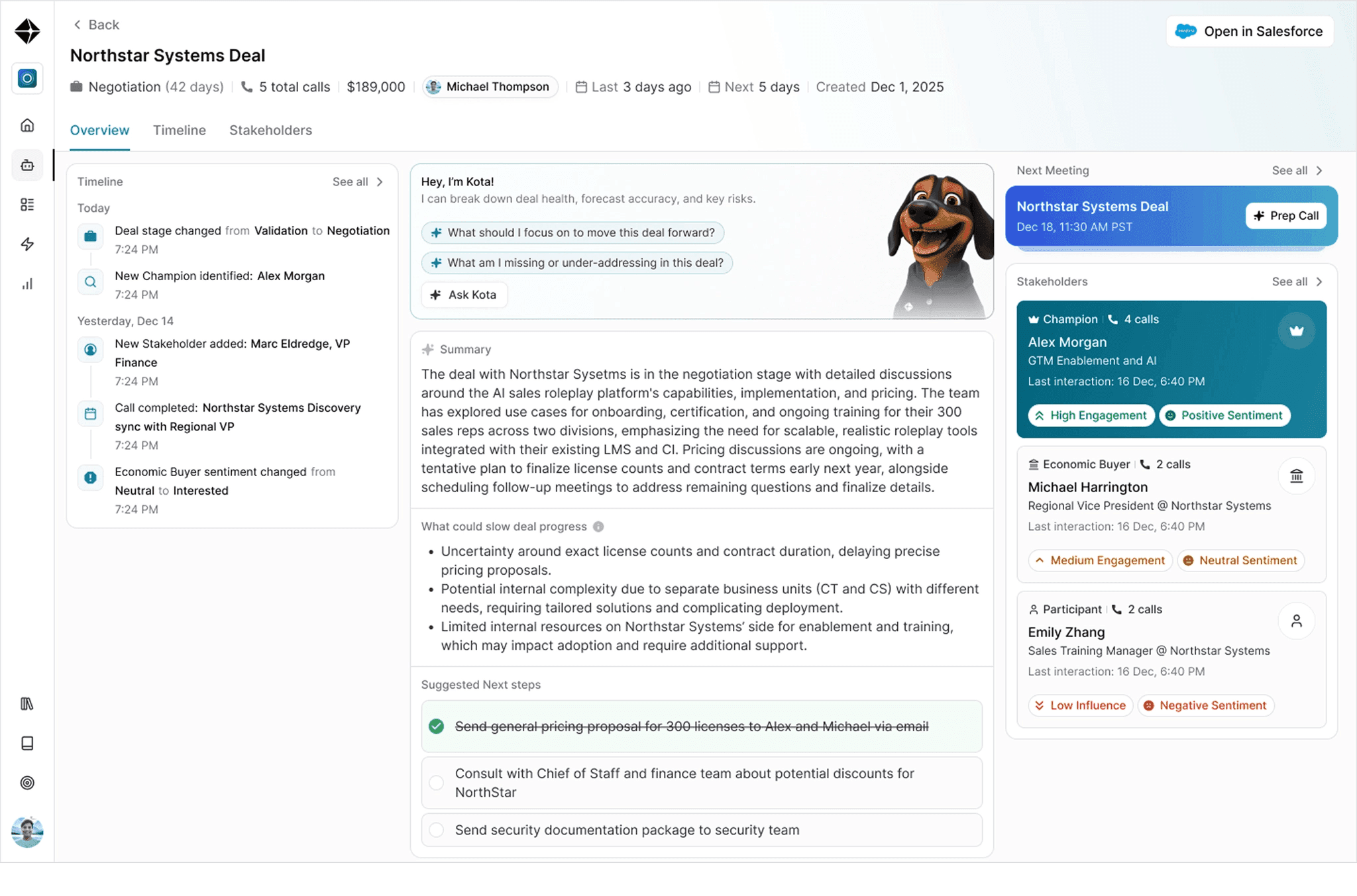
Surface deal health across the full lifecycle
Hyperbound Perform connects call behavior across an entire deal lifecycle — from first cold call to close. Deal-level coaching surfaces what is helping or hurting each opportunity and recommends concrete next steps to keep deals moving.
- Connects insights across all touchpoints
- Recommends deal winning actions
- Flags early risk signals
Seamless CRM and Tool Integration
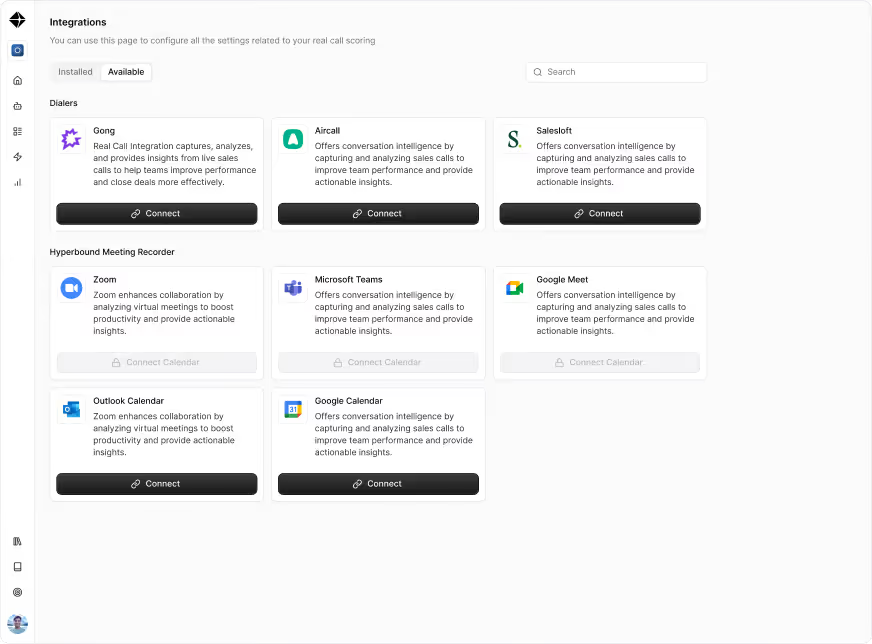
Connect to your existing sales tech stack
Hyperbound integrates with Salesforce, HubSpot, and Pipedrive for CRM auto fill, and connects to Gong, Salesloft, and Chorus for call ingestion. Your existing stack stays intact — Hyperbound adds the intelligence layer on top.
- Salesforce and HubSpot supported
- Works alongside Gong and Chorus
- No rip and replace required
Targeted AI Sales Roleplays
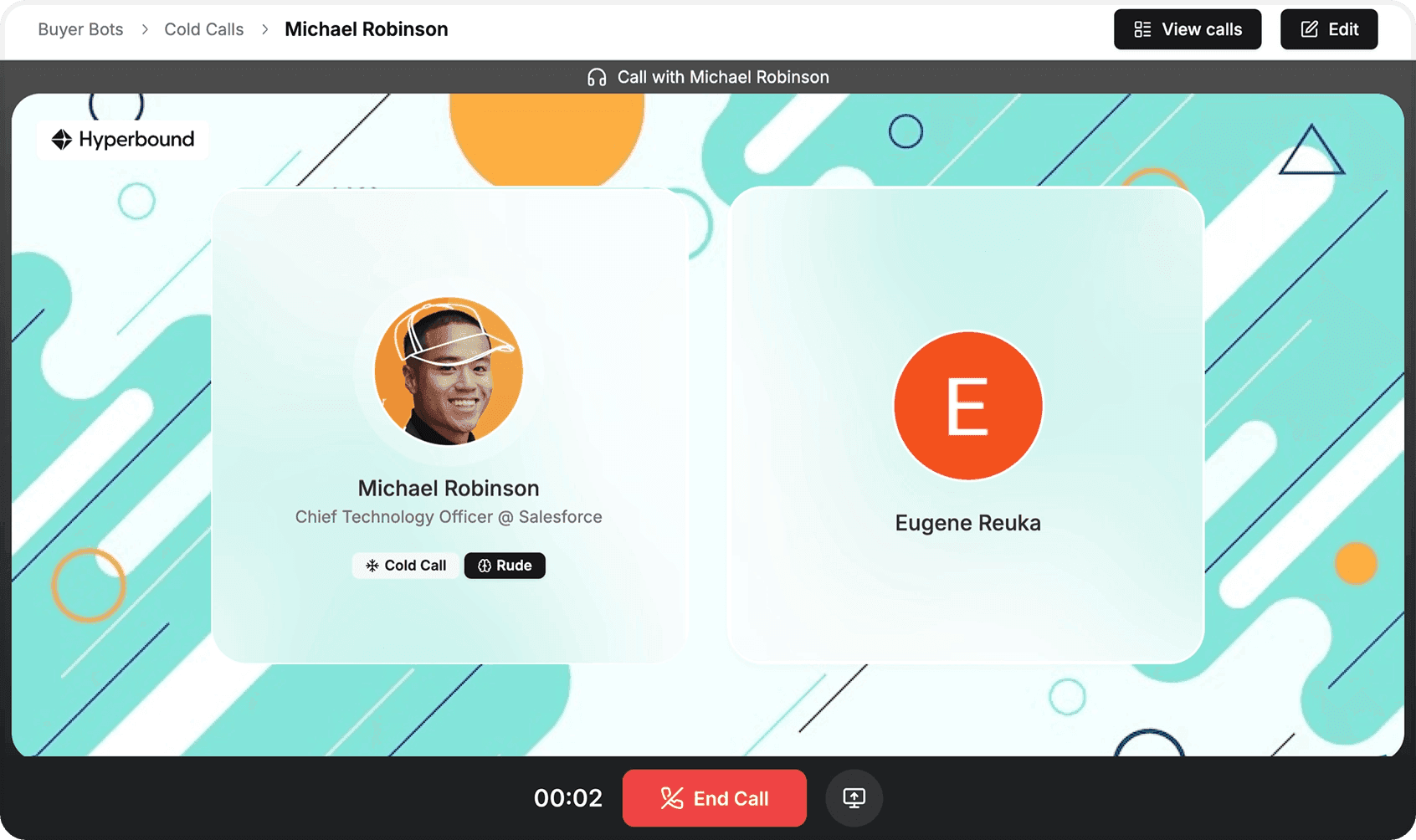
Practice conversations before they happen live
While Perform handles real call data and CRM auto fill, Practice prepares reps for the conversations that drive deal momentum. AI buyer personas are built from analysis of 2M+ hours of real B2B sales conversations — not generic scripts.
- Built from 2M+ hours of real calls
- Covers objections, discovery and demos
- Bitesized sessions for tenured reps
Questions
Frequently Asked Questions
CRM auto fill AI automatically extracts key information from sales conversations — such as next steps, stakeholders mentioned, objections raised, and deal stage signals — and writes that data directly into your CRM fields. Hyperbound Perform analyses recorded calls and populates Salesforce, HubSpot, or Pipedrive without any manual input from your reps.
Hyperbound supports CRM auto fill for Salesforce, HubSpot, and Pipedrive. It ingests call recordings from Gong, Salesloft, and Chorus, then writes extracted deal data back to your CRM automatically. No rip-and-replace of your current stack is required.
When reps manually update CRMs, data is often delayed, incomplete, or inconsistent. Hyperbound Perform captures deal signals directly from conversation data and fills CRM fields in real time. This gives RevOps teams a reliable, behavior-grounded signal layer for pipeline health rather than relying on rep self-reporting.
No — Hyperbound integrates with Gong, Salesloft, and Chorus rather than replacing them. If your team does not have an existing call recorder, Hyperbound also offers a built-in Call Recorder that feeds directly into the scoring and CRM auto fill pipeline. The two approaches are designed to complement your current setup.
In addition to CRM auto fill, Hyperbound Perform scores calls against custom methodology scorecards, surfaces deal-level coaching insights across the full deal lifecycle, identifies early risk signals, and recommends specific actions to keep deals moving forward. It connects behavior from every touchpoint — not just individual calls in isolation.