
You've invested in the latest sales tech. Apollo for prospecting. Reply.io for email sequences. HubSpot as your CRM. Each one promising to transform your sales process. But instead of a seamless operation, you're drowning in manual data entry, missing follow-ups, and watching leads slip through the cracks between systems.
Sound familiar? You're stuck in what sales professionals increasingly call "integration hell" – where great individual tools create a mediocre (or downright dysfunctional) sales process when cobbled together.
"I am now running Sales for myself and finding myself lost," confessed one sales leader on Reddit. Another lamented being "honestly tired of tools that promise 'multichannel' and then barely integrate with LinkedIn."
This isn't just frustrating – it's expensive. While high-performing sales teams use nearly three times as much technology as underperforming ones, the secret isn't having more tools—it's making them work together. Companies with strong sales enablement and integrated tools see a 15% higher win rate and an 8% increase in quarterly revenue.
In this guide, we'll help you escape integration hell by showing you how to build a sales stack that works for you, not against you.
Before we solve the problem, let's understand why sales tool integration is so challenging in the first place.
The average company uses approximately 110 different SaaS platforms. With that level of complexity, adding just one more tool to your stack becomes a significant challenge. Each new addition exponentially increases the potential integration points and failure modes.
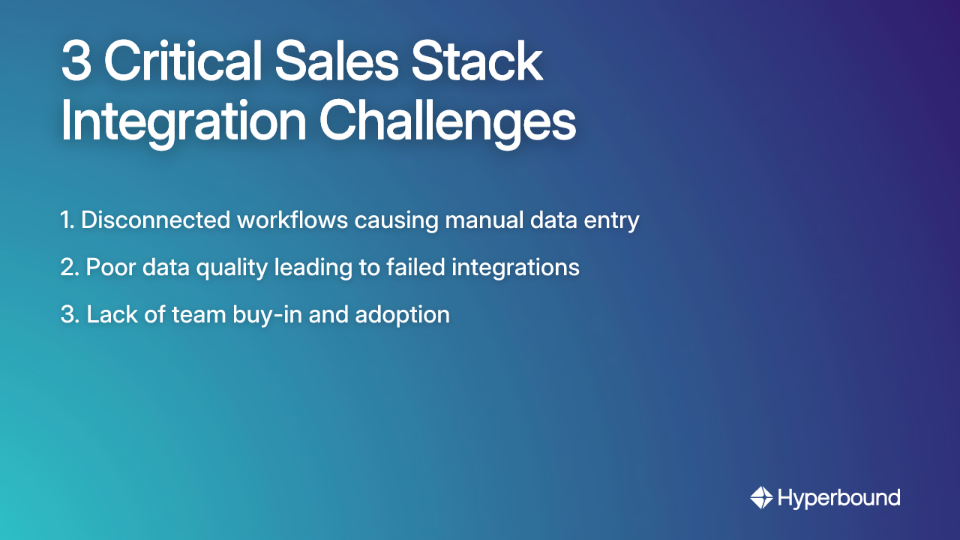
1. Disconnected Workflows and Manual Data Entry
When your CRM doesn't talk to your email sequencer, your team becomes human APIs – manually copying and pasting data between systems. This creates errors, wastes valuable selling time, and fragments your view of the customer journey.
One sales rep described spending "hours each week just pushing data between systems" instead of having meaningful conversations with prospects. That's not just an annoyance; it's a direct hit to your revenue potential.
2. The Silent Killer: Poor Data Quality
Bad data is the primary reason integrations fail. A staggering 85% of AI projects fail due to poor data quality, and the same principle applies to any data-driven integration.
Common issues include:
This isn't just a technical problem – it's a financial one. Bad data quality costs companies an average of $15 million annually in lost productivity, missed opportunities, and failed initiatives.
3. Lack of Team Buy-In
You can build the perfect integration, but if your team doesn't use it, it's worthless. Resistance often stems from:
As one sales leader put it, "HubSpot's integration options can definitely feel overwhelming at first." Without proper guidance, even the best integrations sit unused. This makes effective sales enablement—giving reps a safe space to practice and master new workflows—more critical than ever.

Escaping integration hell requires a strategic approach – not just technical fixes. Follow these five steps before writing a single line of code or connecting a single API:
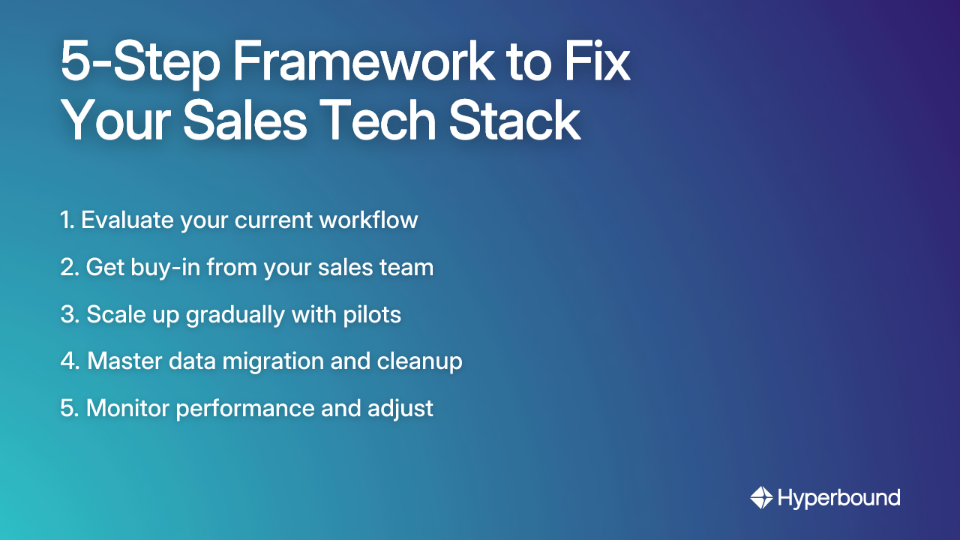
Before adding or integrating any tool, map your existing sales process:
This analysis reveals the actual problems you're trying to solve, not just symptoms.
The people using these tools daily must be on board for any integration to succeed:
As one sales leader advised, "Getting the team excited about the 'why' behind a new tool makes adoption so much smoother."
Don't roll out a new integration to the entire company at once:
This step is non-negotiable. Before you integrate:
As recommended for an Apollo/HubSpot integration, "deduplicate data in your CRM first to avoid syncing messy records and creating bigger problems."
Set specific, measurable goals for the integration:
Use analytics to track performance against these goals and make adjustments as needed.
Let's move from theory to practice with a real-world example that many sales teams face: connecting a prospecting tool (Apollo) with a CRM (HubSpot).
1. Native Integration
2. Third-Party iPaaS (Middleware like Zapier)
3. Custom API Integration
Before connecting Apollo and HubSpot (or any sales tools):
1. Duplicate Management
2. Field & Status Mapping
**3. Error Monitoring
When done right, connecting Apollo and HubSpot creates powerful workflows:
This fundamental choice shapes your entire stack. There's no universally right answer – only the right answer for your team.
Pros:
Cons:
As one user complained: "You need sequencing. And you have to upgrade to the higher tier for that."
Pros:
Cons:
Consider these factors:
One budget-conscious tip from Reddit: "HubSpot has a free version for small orgs. Or a starter version for $20/month" – proving you don't always need the enterprise tier.
Escaping sales tool integration hell requires shifting your mindset from collecting tools to building a cohesive system. It's a strategic process that starts with your workflow, not with a tool's feature list.
Key takeaways:
A well-integrated sales stack eliminates manual work, provides clean data for better decision-making, and empowers your reps to focus on what they do best: selling. By following this framework, you can build a system that actively helps you achieve the 8% average increase in quarterly revenue seen by well-enabled teams.
And once your stack is built, ensuring your team can leverage it effectively is the final, crucial step. Platforms like Hyperbound bridge the gap between technology and performance, using AI-powered roleplays and call analysis to ensure your reps not only adopt new workflows but master them.
Remember – the goal isn't to have the most advanced tools. It's to create a seamless workflow that helps you connect with prospects, close deals, and grow your business. Your tech should work for you, not against you.
Sales stack integration hell refers to the common problem where a company's collection of individual sales tools (like CRMs, prospecting platforms, and email sequencers) do not work together seamlessly. This disconnect forces sales teams to perform manual data entry between systems, which leads to errors, wasted time, and missed sales opportunities. Instead of creating a streamlined process, the cobbled-together stack becomes a source of frustration and inefficiency.
Most sales tool integrations fail due to three primary issues: disconnected workflows requiring manual data entry, poor data quality (like duplicates and inconsistencies), and a lack of team buy-in or adoption. Bad data is a silent killer, costing companies millions annually and being a top reason for integration failure. Furthermore, even a technically perfect integration is worthless if the sales team resists using it due to poor training, fear of change, or a frustrating user experience.
To ensure team adoption, involve your sales reps in the decision-making process, clearly communicate how the new integration will help them succeed, and provide comprehensive training. Start by getting buy-in early and addressing their concerns. Run a pilot program with a small group of tech-savvy reps to work out any issues and create success stories. Finally, use sales enablement platforms for realistic practice, which helps reps master new workflows in a risk-free environment.
The first and most critical step to fixing a messy sales tech stack is to evaluate and map your current sales workflow. Before considering any new tools or integrations, you must understand your existing process. Identify key touchpoints, pinpoint where manual tasks are causing bottlenecks, and determine where follow-ups are being missed. This analysis ensures you're solving the root problems, not just treating symptoms with more technology.
The choice between an all-in-one platform (like HubSpot Sales Hub) and a best-of-breed stack (like Pipedrive + Apollo) depends on your team's size, budget, and specific needs. All-in-one solutions offer simplicity, a unified interface, and seamless data flow, making them ideal for smaller teams. Best-of-breed stacks provide superior specialized features and flexibility, which can be leveraged by larger teams with more technical resources to manage the integration complexity.
To ensure data quality, you must perform a thorough data cleanup before you activate the integration. This process is non-negotiable and should include deduplicating records in your CRM, standardizing field formats (like phone numbers and company names), and filling in critical missing values. Always test your data migration on a small scale first to catch any issues before rolling it out company-wide.










Use Cases
Legal